Official Apps

Download Strong8K Official Apps

Get the Strong8K official app for your device. Download Strong8K OTT player, Strong8K 8K player, and Strong8K IPTV app with direct APK links and complete setup guides. Available for Android, iOS, and Smart TVs.

Don't have a subscription yet?

Grab our 24h Free Trial — experience Strong8K first.

Try every channel, every app, every feature completely free for 24 hours. No credit card. No commitment. Just pure 4K & 8K OTT streaming.

Full access to 38,000+ live channels All apps & devices included 4K & 8K quality No credit card needed Activated in minutes
🎁 Get My Free 24h Trial on WhatsApp

Message us on WhatsApp — trial activated within minutes

Strong8K Official Android Apps

Download Strong8K OTT Player for Android

Strong8K official apps for Android devices. Download Strong8K 8K player, Strong8K OTT player, and Strong8K IPTV app with direct APK links. Install via Downloader app using the code shown, or download the APK directly.
📱 Android TV & Boxes 🍎 iPhone & iPad 📺 Smart TVs
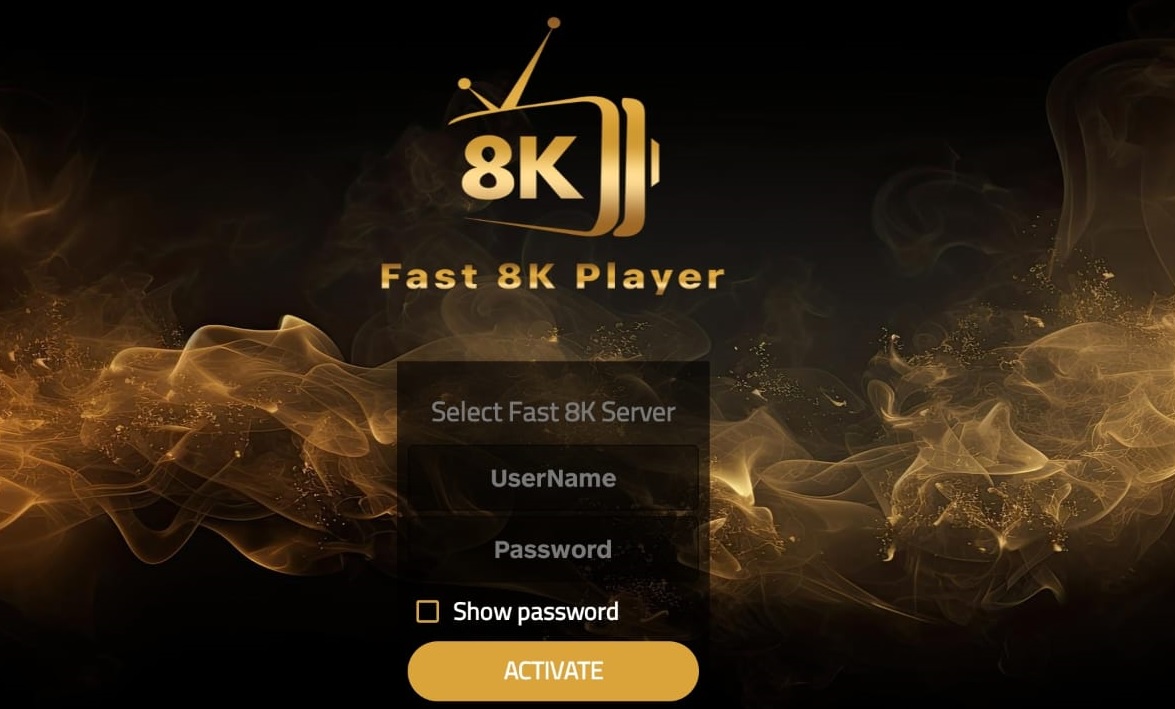
Strong8K Fast 8K Player ⭐ Popular
Strong8K Fast 8K Player

Strong8K official OTT player with EPG, catch-up features, and easy-to-use interface for seamless streaming.
Downloader Code
1372541
⬇ Download APK
Strong8K TiviMate 8K Pro TV-Optimized
Strong8K TiviMate 8K Pro

Official Strong8K app with clean UI, fast channel zapping, and smooth OTT playback for 4K/8K streaming.
Downloader Code
7047995
⬇ Download APK
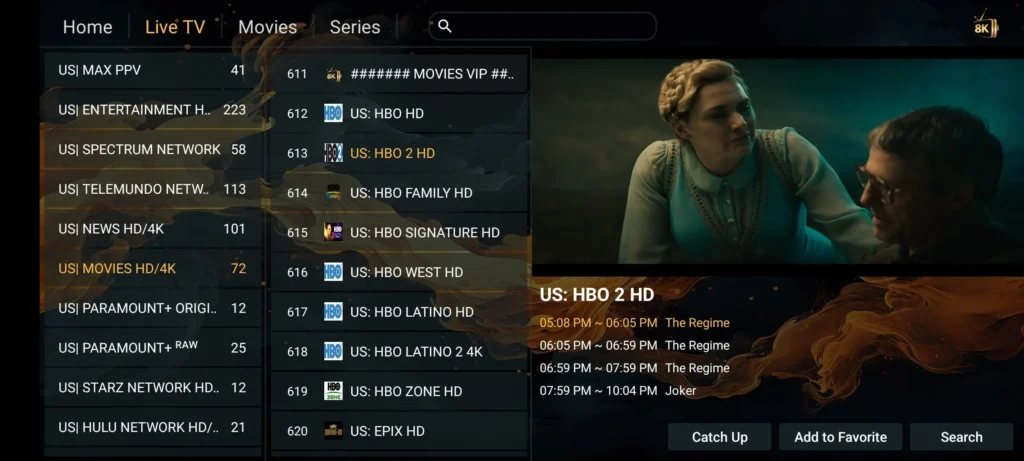
Strong8K 8K Player VIP Advanced
Strong8K 8K Player VIP

Advanced Strong8K official app for playlists, channel groups, premium EPG, and 8K streaming support.
Downloader Code
9352817
⬇ Download APK
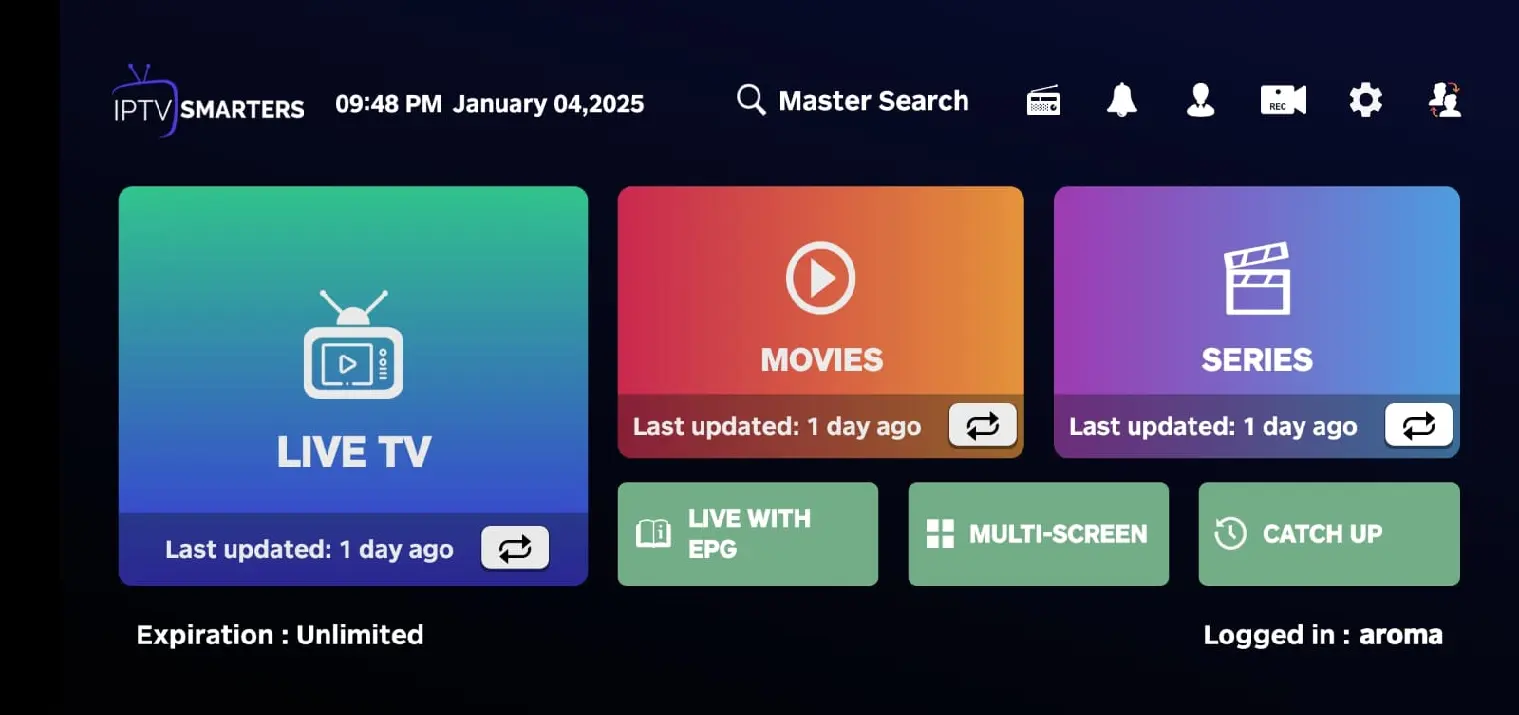
Strong8K Strong 4K Simple Setup
Strong8K Strong 4K

Official Strong8K 4K player with simple setup, stable OTT playback, and quick activation for instant streaming.
Downloader Code
2980877
⬇ Download APK
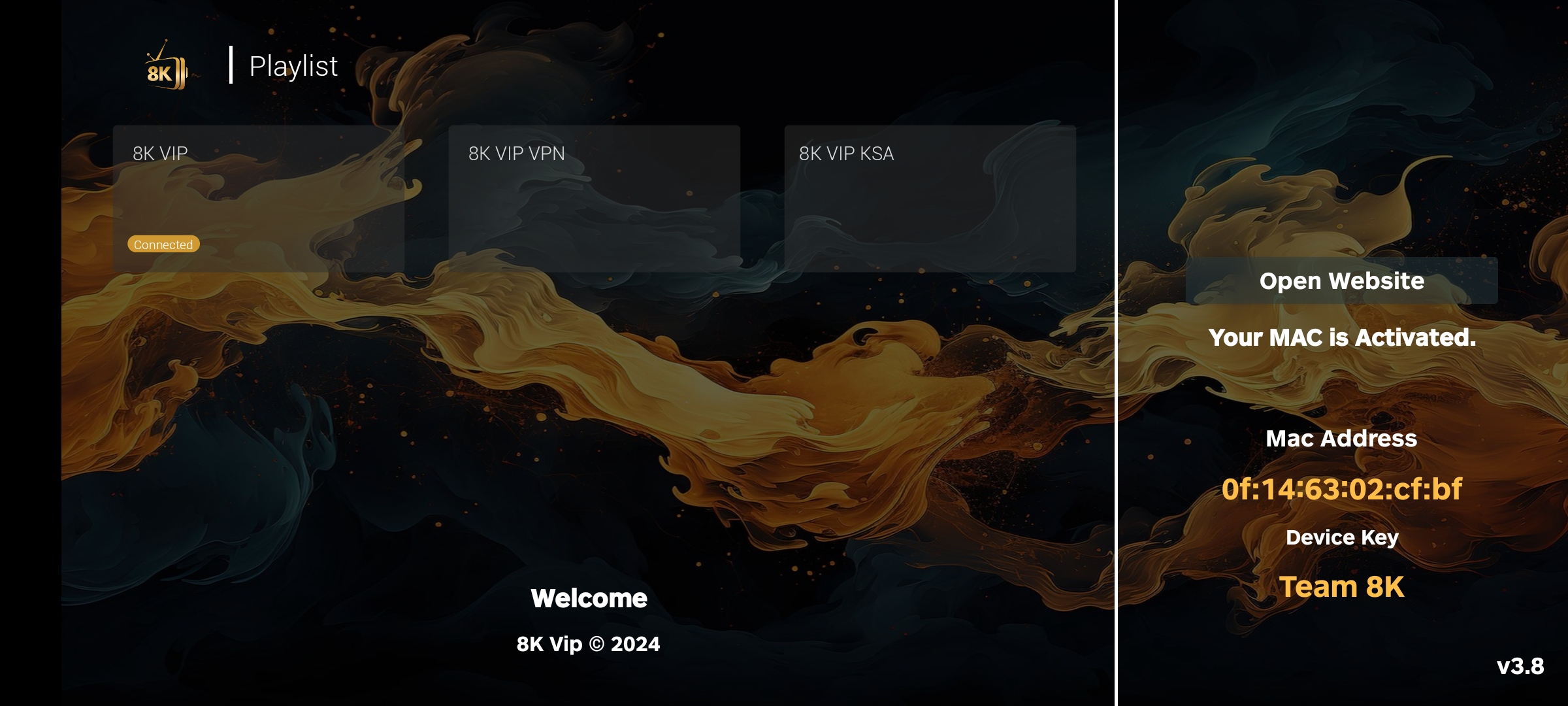
Strong8K Smarter Pro Flexible
Strong8K Smarter Pro

Strong8K official IPTV app with favourites, channel groups, powerful filtering, and customizable interface.
Downloader Code
4931524
⬇ Download APK
Strong8K 8K VOD Player Mobile
Strong8K 8K VOD Player

Official Strong8K VOD app for phones and tablets with multi-format video support and offline playback.

Downloader Code
4829779
⬇ Download APK
💡 Strong8K Setup Tips

For optimal Strong8K OTT streaming: Use Ethernet or 5GHz Wi-Fi for the best 4K/8K experience. If a Strong8K channel buffers, try switching decoder (HW / HW+ / SW) in your Strong8K app settings and increase the buffer size. Contact Strong8K support on WhatsApp for personalized setup assistance.
Strong8K Official iOS Apps

Strong8K OTT Player for iPhone & iPad

Download Strong8K official apps for iOS. Strong8K IPTV app and Strong8K OTT player work perfectly with Strong8K credentials on iPhone and iPad.

  1. 1 Open the App Store and search for IPTV Smarters Player or GSE Smart IPTV (Strong8K compatible apps).
  2. 2 Install and open the app. Choose Login with Xtreme Codes or Playlist (M3U) + EPG.
  3. 3 Enter your Strong8K credentials (portal URL / username / password) or paste the Strong8K M3U link and EPG URL.
  4. 4 Allow notifications for programme reminders. Enable background audio in app settings.
  5. 5 Add Strong8K channel favourites for quick access and start streaming in 4K/8K.
📌 Strong8K iOS Note

iOS may pause background apps to save battery. If Strong8K streams stop when you switch apps, simply return to the Strong8K player — this is normal iOS behaviour.

Strong8K EPG Strong8K Catch-up AirPlay Support Picture-in-Picture

*AirPlay availability depends on content type and app version.

Strong8K Official Smart TV Apps

Strong8K OTT Player for Smart TVs

Download Strong8K official apps for LG webOS, Samsung Tizen, and Android TV. Strong8K 8K player and Strong8K IPTV app optimized for big-screen OTT streaming with remote control navigation.

Install Strong8K App from TV Store
  1. 1 Open your TV's app store (LG Content Store / Samsung Apps / Google Play on Android TV).
  2. 2 Search for IBO Player, OTT Navigator, or XCIPTV (Strong8K official compatible apps).
  3. 3 Install and open the app, then go to Activation / Login.
  4. 4 Enter your Strong8K portal or playlist credentials (sent after Strong8K activation).
  5. 5 Restart the app to load all Strong8K channels and EPG data.
Remote-Friendly Strong8K Channel Groups 4K/8K Ready EPG Guide
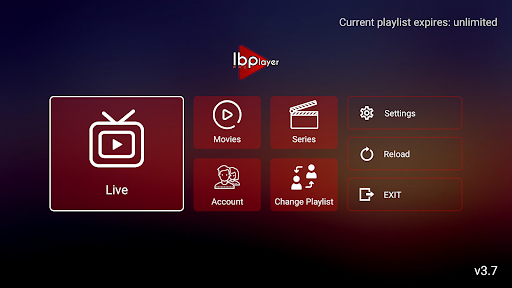
Strong8K Smart TV App – IBO Player
📺 Strong8K Smart TV Pro Tips
  • Use Ethernet or strong 5GHz Wi-Fi for optimal Strong8K 4K/8K streaming.
  • In Strong8K app settings, test decoders (HW/HW+/SW) and adjust buffer size for smoother playback.
  • Disable aggressive energy-saving modes that may throttle network while streaming Strong8K content.
  • Organise Strong8K channels into groups and mark favourites for faster navigation.

Ready to stream?

You've got the apps — now get Strong8K OTT.

All apps above work with a Strong8K subscription. Try it completely free for 24 hours — no credit card, no contract. Activate in minutes via WhatsApp.

No subscription yet? No problem Full 24h free access Works on all devices above Cancel anytime